
This guide will show you how to access the Forms area in iRecruit and add a Vacancy Source.
Contents
This guide will show you how to access the Forms area and add a Vacancy Source.
Forms
To access Forms:
- Go to the Admin Portal configuration screen
- Click on the Forms tile
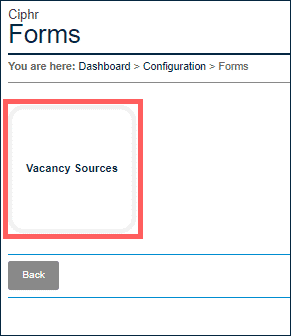
Vacancy Sources
To add a Vacancy Source:
- Go to the Admin Portal configuration screen
- Click on the Forms tile
- Select Vacancy Sources
- You will see a list of current Vacancy Sources:
- Click on the Add Vacancy Source button

- Add the Name for the Vacancy Source
- Click Save

Footer
Comments
0 comments
Article is closed for comments.