
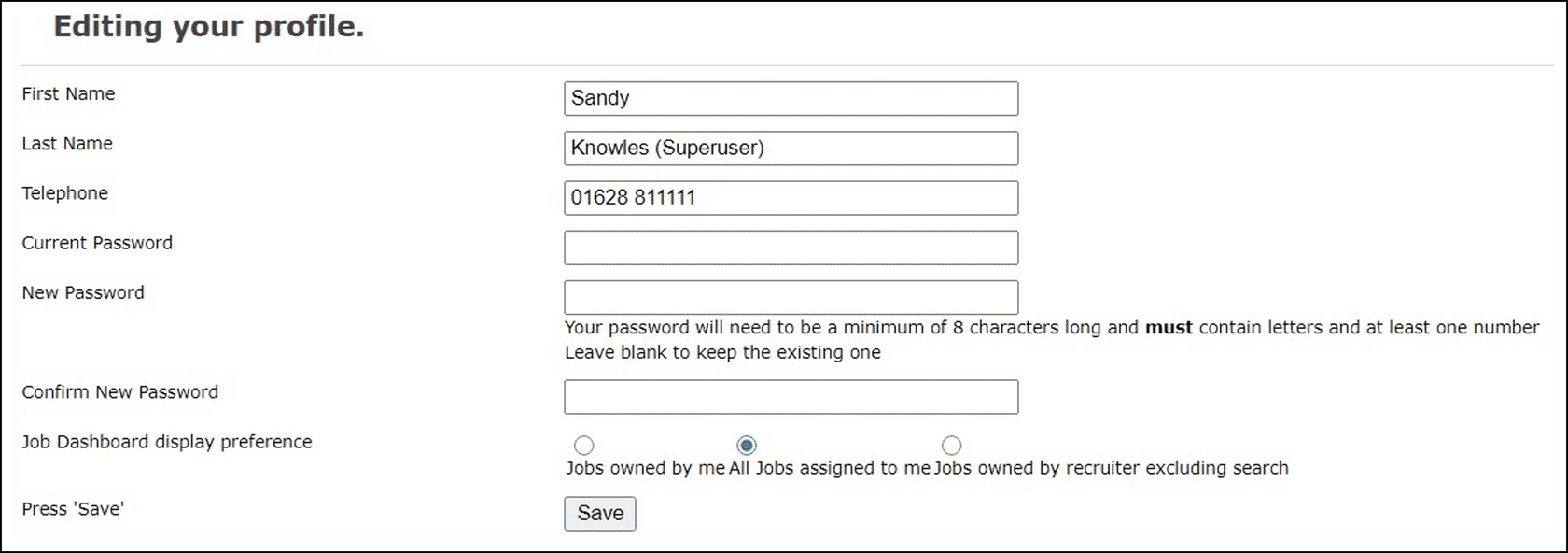
This guide explains how when logging into the Recruiter's Portal, a user can choose to Edit Profile. This enables them to update information such as their name, telephone number and password.
Contents
To view your user profile
- At the top right hand corner of the iRecruit system you will see your name (the logged in user) and your User Profile, eg Superuser

To edit your user profile
- Click Edit Profile
- A set of fields will be displayed which you, the logged in user can update
- Click Save once you have made any changes
| Note: Your user information is set up in the Admin Portal. For more details on the Admin Portal see the relevant help guides. |
Footer
Comments
0 comments
Article is closed for comments.