
This guide shows you how to add general comments to a candidate.
To record a comment
- On the My Candidates Tab select the Candidates by Status screen and the specific candidate you want to add comments against, click on the icon under the Update Comments column to enter your comments
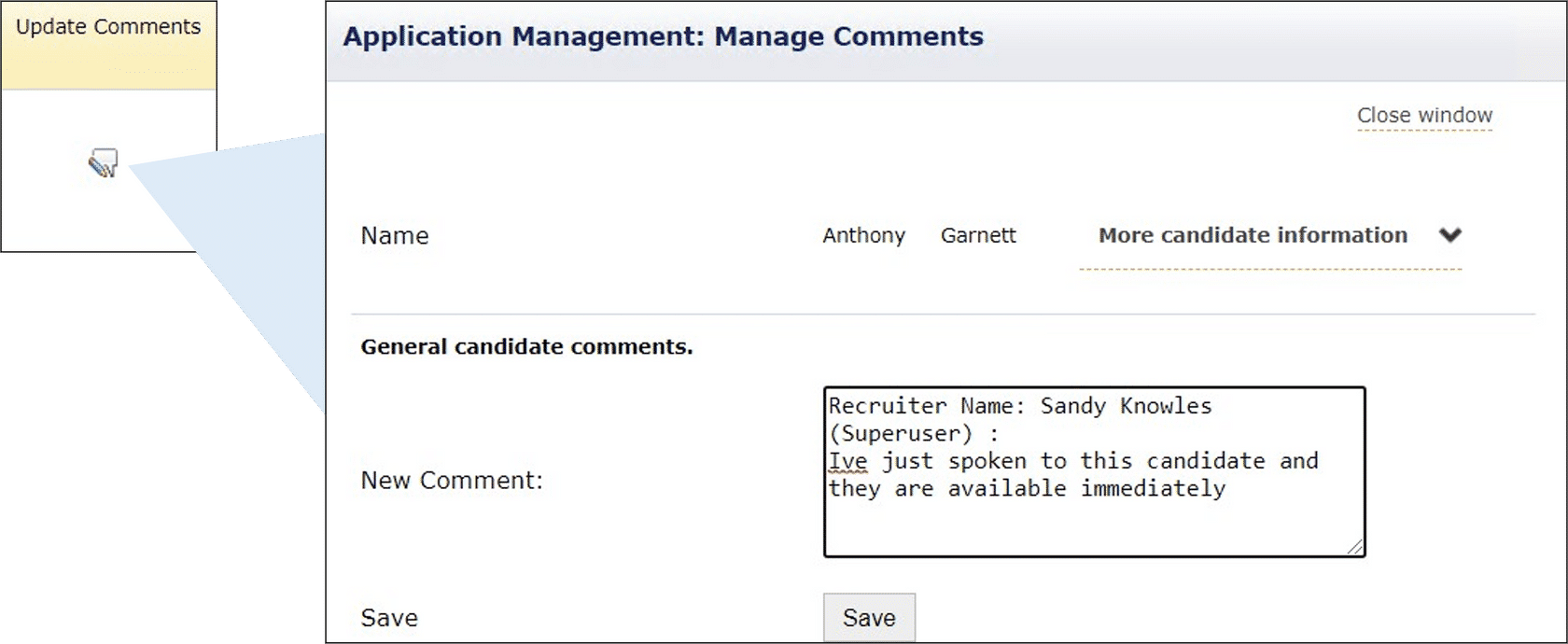
- Once your comments have been entered click Save
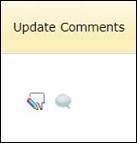
- If there is a comment recorded against a candidate the icon updates to show a speech bubble next to the Update Comments icon
- You can view, edit and delete the entered comments, by clicking on the speech bubble
| Note: Your User Profile will need to be configured in the Admin Portal to be enable you to add, edit and delete comments. |
Footer
Comments
0 comments
Article is closed for comments.