
Query
“I’ve forgotten my password”
“I can’t log in to Payroll Cloud”
“I didn’t receive a password reset email”
“The password reset token isn’t working”
Answer
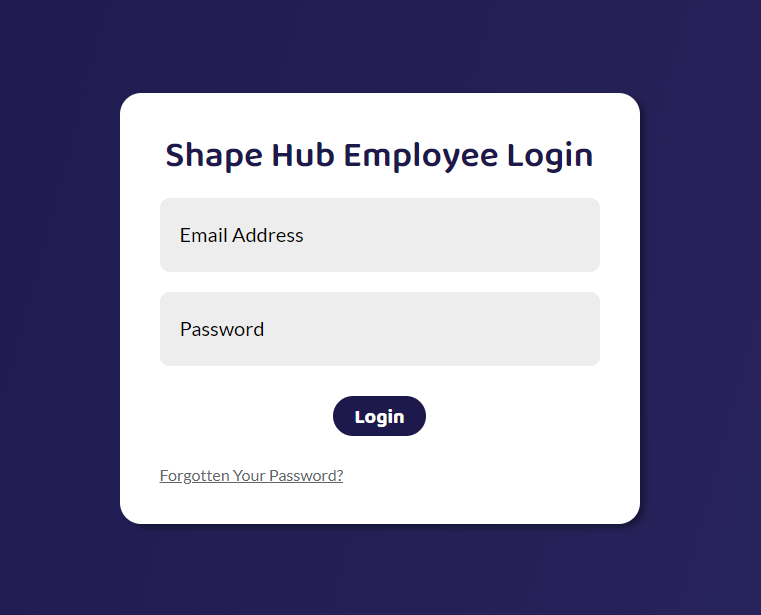
You can reset your password from the login page by selecting Forgotten Your Password?. We’ll email you a token to set a new one. Use the login for your role:
- Employers and payroll administrators (Shape Payroll and Ciphr Payroll Cloud):
- Employees (Shape Payroll only): Employee Portal login
How to fix it
- On the login page, select Forgotten Your Password? You’ll be taken to Password Recovery. Enter the email address you signed up with.
- We’ll email you a token. Copy it and enter it in the same place you asked for it, then create a new password and log in as normal.
|
Note: Your password must meet the below criteria: 1. Minimum 12 characters 2. At least 1 uppercase character 3. At least 1 lowercase character 4. At least 1 number or symbol 5. Can't be anything obvious like your name, your company name, our company name, abcde, 12345 |
If you didn’t receive an email:
- Check you’re using the email address you signed up with, and that you typed it correctly.
- Check whether you received a welcome email when you first signed up. If not, you may have signed up with the wrong email address.
- Employees: ask your employer to check your email address and resend your invitation.
If the token isn’t working:
- Keep your browser open, as the token only works while it stays open.
- If your browser fills in names and passwords automatically, delete any pre-filled boxes and enter the details again.
Related articles
Footer
Comments
0 comments
Article is closed for comments.